Marking your pet as lost lets everyone who looks after them on tails.id see that they're missing, and adds a Marked as lost badge to their public scan page.
Mark your pet as lost
- Open My pets and tap Edit pet next to your pet.
- Under "If your pet goes missing", tap Mark as lost.
- In Where you saw them last (optional), type a street, park or postcode (up to 120 characters), or tap Use my current location.
- Tap Mark as lost to confirm.
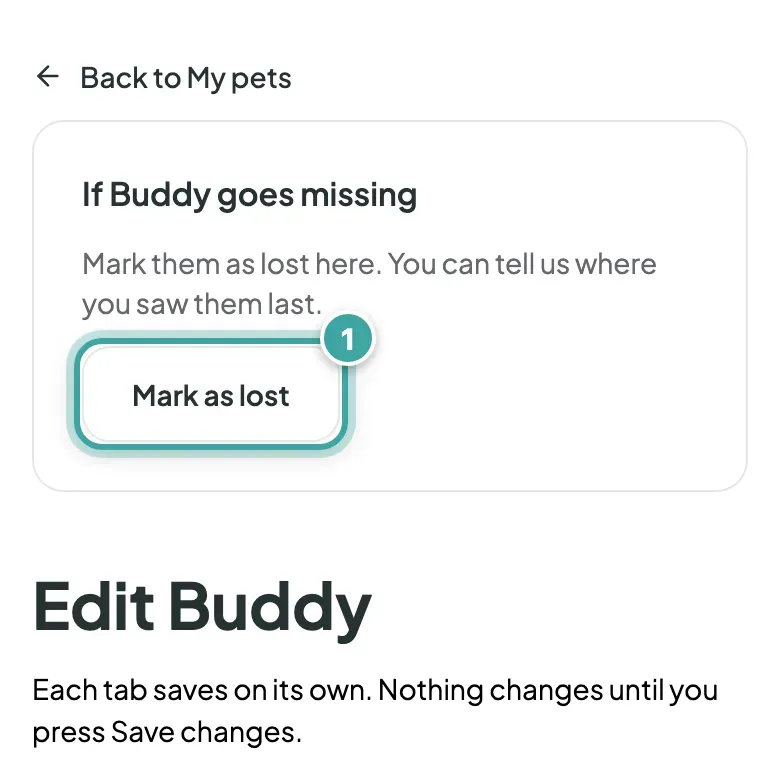
Everyone who looks after your pet on tails.id can see the last-seen place, and we use it only to find vets and shelters near that area for the lost-pet emails. It stays private and is never shown on the public scan page.
While your pet is lost
While your pet is marked as lost, Marked as lost shows on their card in My pets and at the top of their public scan page when someone scans their tag.
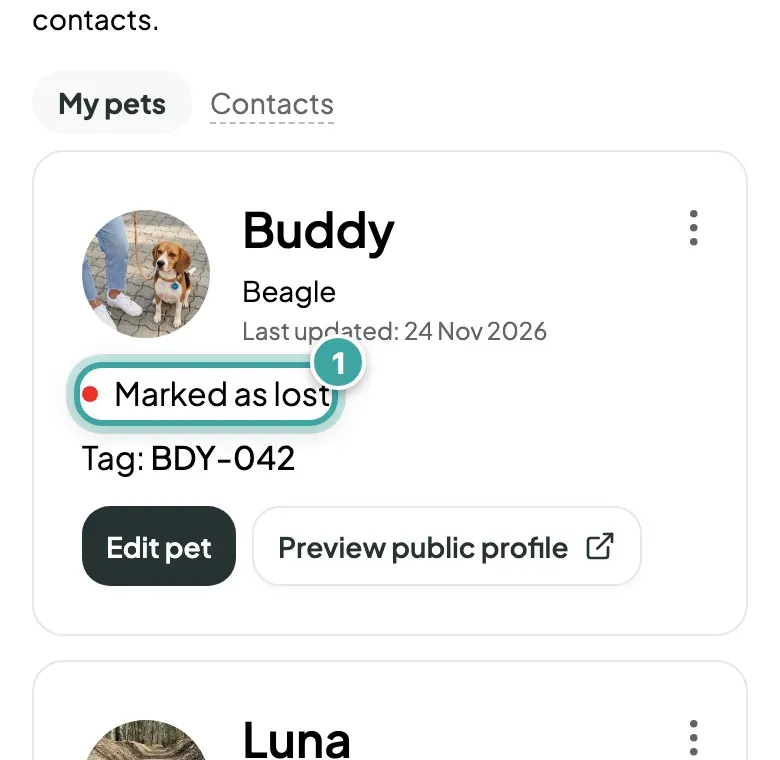
You can tap Change where they were last seen on your pet's page if you have newer details. If you want to turn off your own lost-pet emails for that episode, use the link in a lost-pet email and tap Stop these emails — anyone else who looks after your pet still receives theirs.
While you search, check hiding or showing details to finders and how finder contact and location emails work.
When your pet comes home
Open your pet's page, tap the "is home" button (for example, "Buddy is home") and confirm. Their card returns to Safe at home and the Marked as lost badge leaves their public scan page.