You choose what appears on your pet's page. Details you hide never reach a finder.
Your pet's details
- Go to My pets and open your pet.
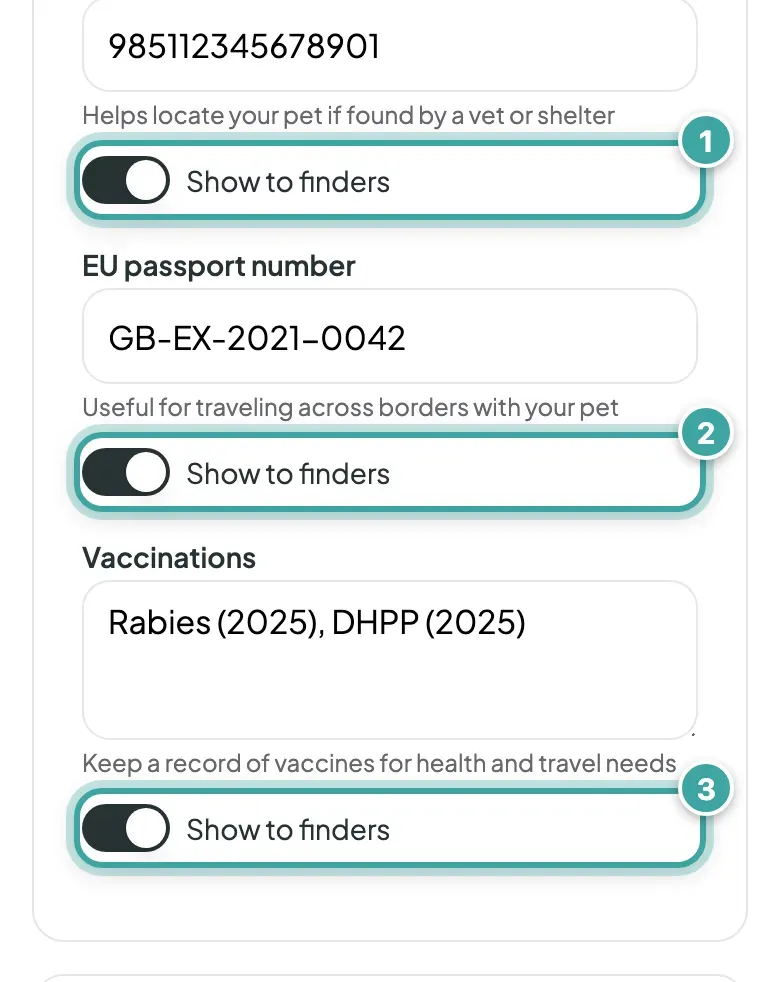
- On the Pet tab, turn off Show to finders next to anything you'd like to keep private.
- Tap Continue to save.
You can hide your pet's microchip number, EU passport number, vaccinations, medical notes, behaviour notes, your vet's name, phone number and address, and the pet insurance details. They all start switched on. If you hide your vet's address, finders still see its postcode and city.
Your pet's name, photos, breed, colour, gender and Extra notes always show.
Your contacts
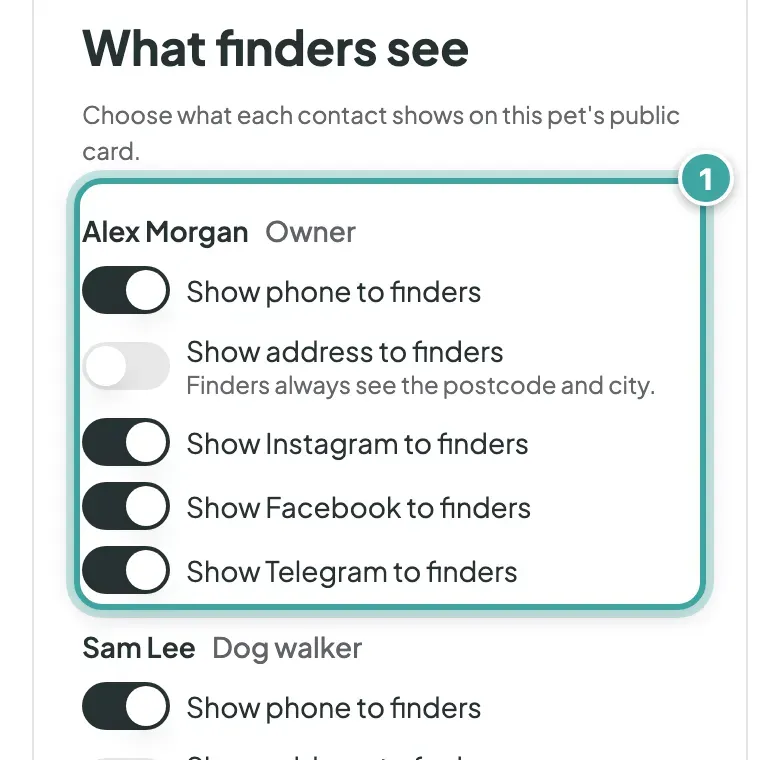
On the Owner tab, under What finders see, choose what each contact shows on this pet's page:
- Show phone to finders. Hiding a phone number hides WhatsApp too.
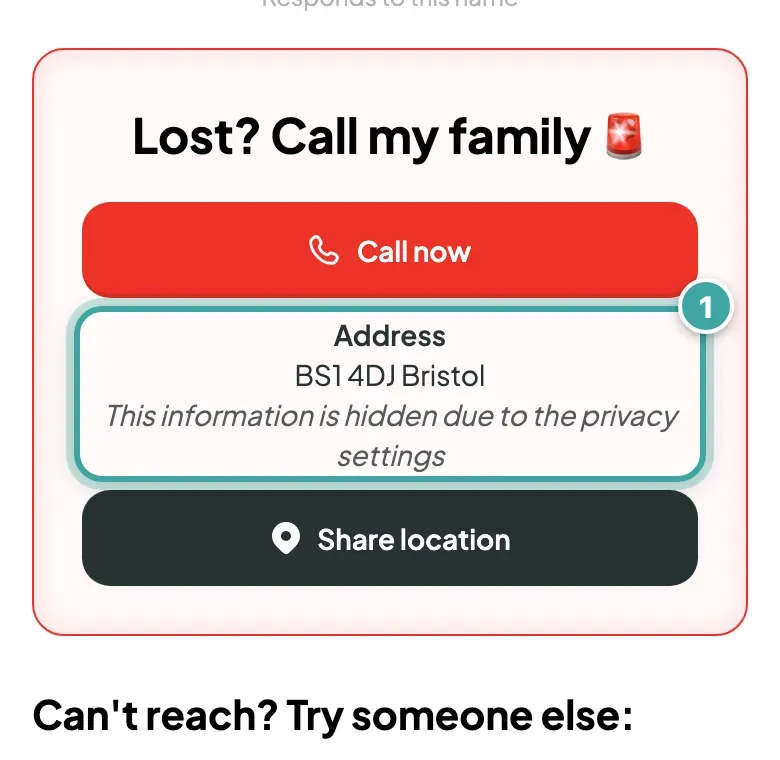
- Show address to finders, which starts switched off. Finders always see the postcode and city.
- Show Instagram to finders, Show Facebook to finders and Show Telegram to finders
These settings are for this pet only. Email addresses never show on the scan page.
What finders see instead
Where you've hidden something, finders see a short note that it's hidden by the privacy settings. In your own preview, hidden details are marked Hidden from finders.
Even with every phone number hidden, finders can still send you a message from your pet's page.