How do I preview my pet's profile?

It's worth a look after you set things up or make changes. You might spot an old phone number or a missing photo.

Open the preview

  1. Go to My pets.
  2. Tap View profile next to your pet. Their page opens in a new tab.
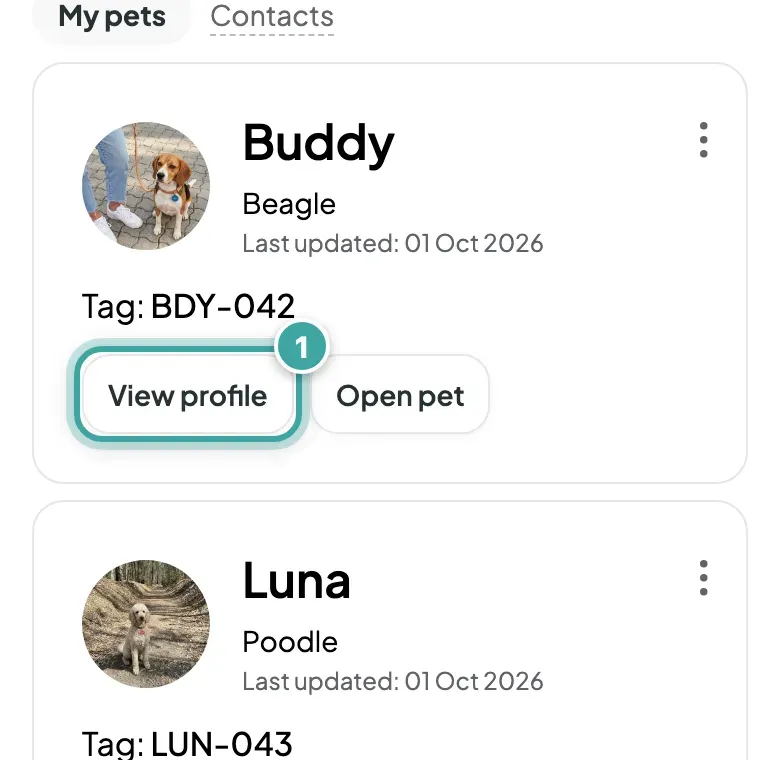
My pets, with Buddy's card at the top: his photo, breed and tag code, and the View profile button, which is highlighted, next to Open pet.
In My pets, tap View profile next to your pet.

What's different in your preview

Because you're logged in, you also see the details you've hidden, marked Hidden from finders. Finders see a short note that the information is hidden instead.

To see exactly what a stranger sees, copy the address of that page and open it in a private browser window where you're not logged in.

Spotted something to fix? Update your contact details or change the photos.
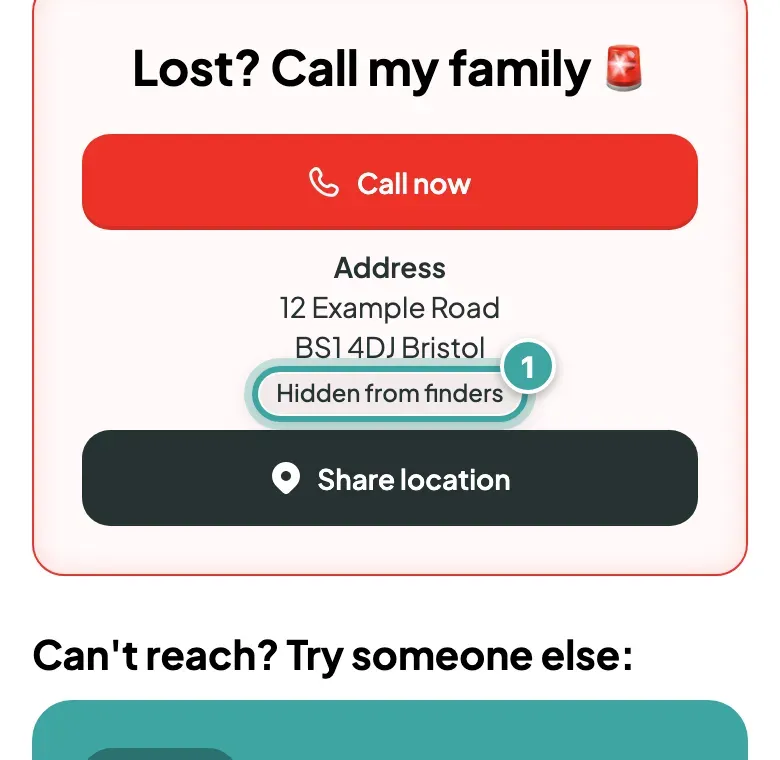
Buddy's page as his owner sees it: under Call now, the owner's street address is shown with the label Hidden from finders, which is highlighted.
In your preview, details finders can’t see are marked Hidden from finders.

Still need help?

Can't find what you're looking for? Get in touch with our support team

Email support

Write to us at [email protected]

Send email

WhatsApp Business

Available Monday-Friday, 9am-6pm

Chat on WhatsApp