It happens. Your pet's profile is safe online, so all you need is a new tag.
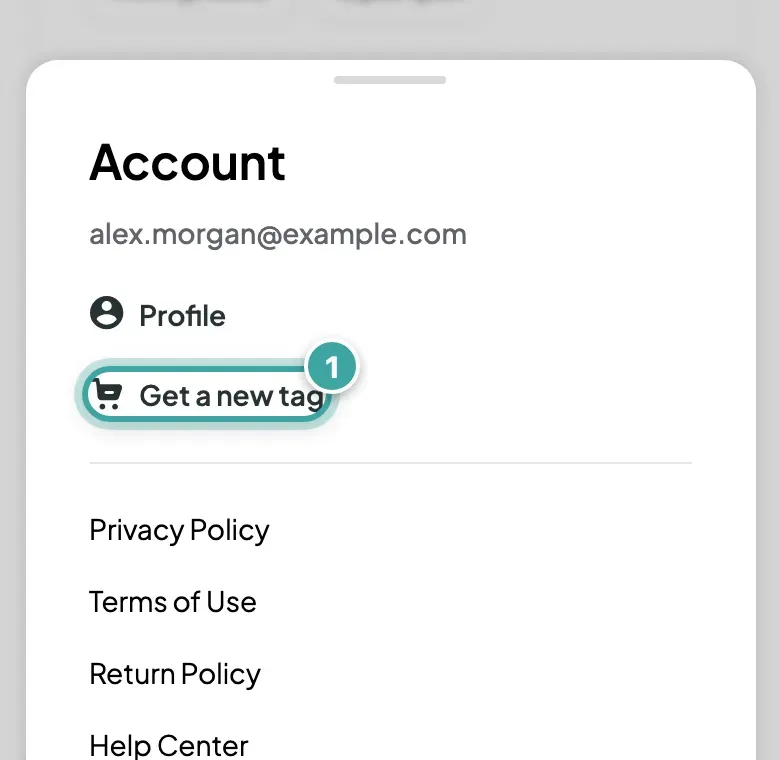
1. Order a new tag
Get one from the shop, or tap Get a new tag in the menu.
2. Link it to your pet
When it arrives, scan it with your phone camera, log in and tap Link this tag next to your pet. Your pet's profile, photos and contacts stay exactly as they are. See how to link a tag.
What happens to the lost tag?
Until you link the new one, the lost tag still opens your pet's page for anyone who scans it. Once the new tag is linked, the old one stops showing your pet, and anyone who scans it sees the sign-up page.
Questions? Email [email protected].