- Go to My pets and open your pet.
- Scroll to the bottom of the page and tap the button to delete this pet.
- Tap Delete pet to confirm.
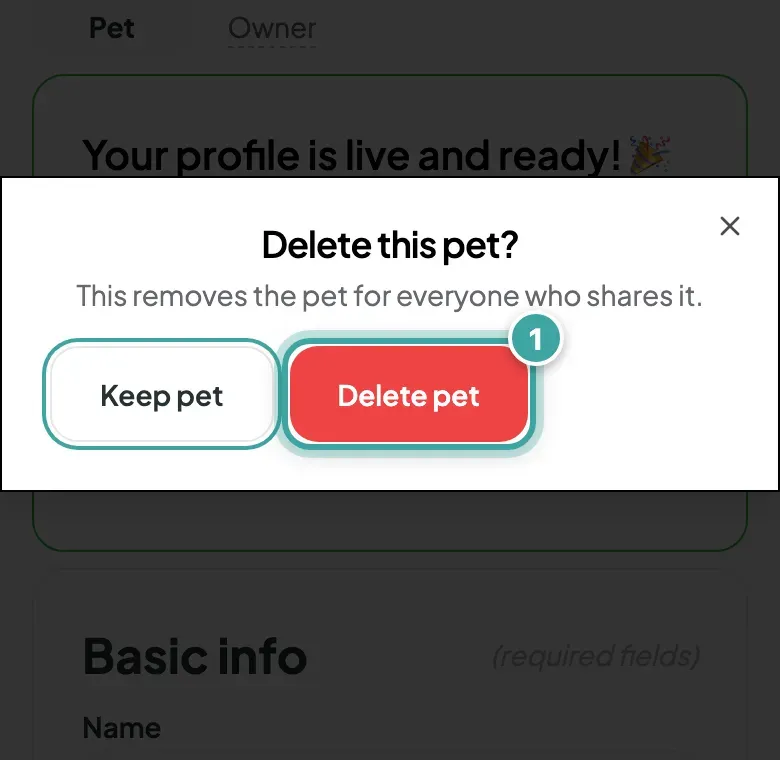
Don't see the button? Only someone who manages the pet can delete it.
What happens
- The pet disappears from your account, and from the account of anyone you share the pet with.
- The pet's tag stops showing their page. Anyone who scans it sees the sign-up page, just like a new tag.
- Your contacts stay in your Contacts list, ready for another pet.
You can't undo this from your account. If you only want to change something, edit your pet's info instead.
Deleting your whole account is different. See how to delete your account.