We're sorry to see you go. Here's how.
How to delete it
- Log in on the tails.id website and open Profile from the menu.
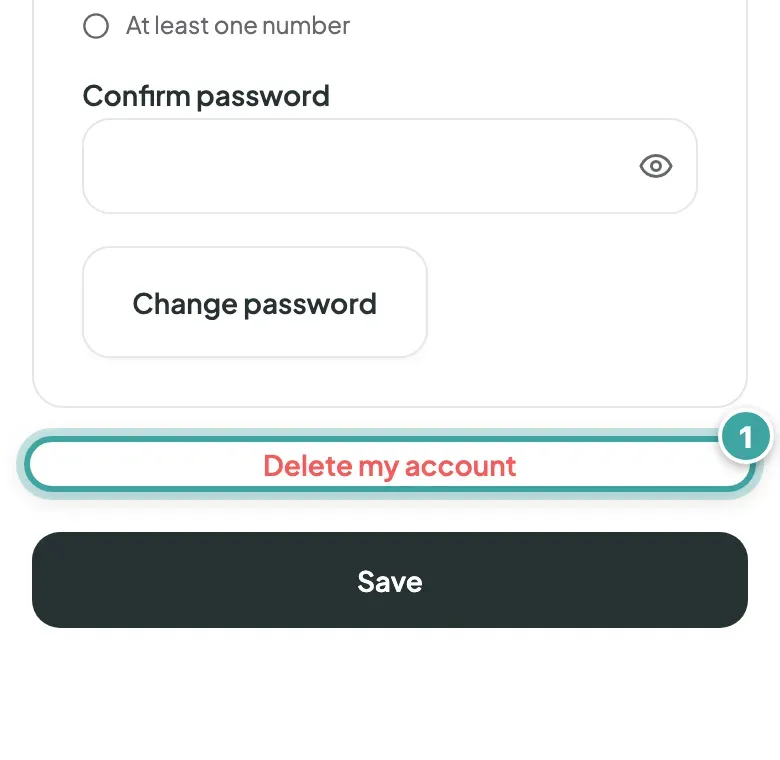
- Tap Delete my account at the bottom.
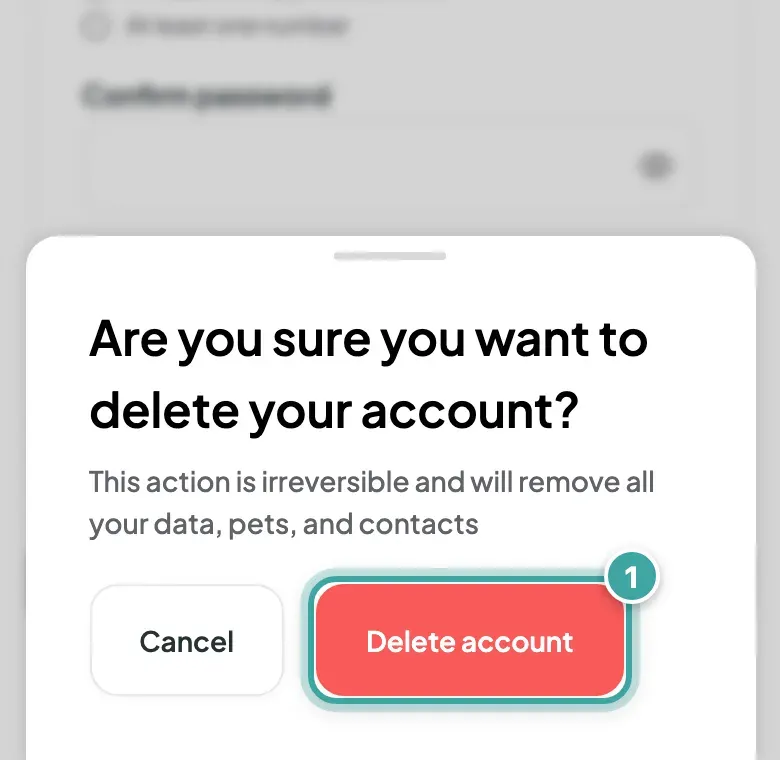
- Tap Delete account to confirm.
Your account is deleted straight away, and this can't be undone. You can only delete your account on the website, not in our mobile apps.
What happens next
- Your pets, unless you share them with someone else, and the contacts you added are removed.
- Your pets' tags stop showing their pages. Anyone who scans one sees the sign-up page.
- We keep a record of your past orders, no longer linked to you.
If you share a pet
A pet you share with someone else's account stays with them. If you're that pet's only manager, deleting won't go through until someone else is a manager too. Email [email protected] if you get stuck.
Before you go
If your pet still wears the tag, make sure a finder has another way to reach you.
Only want to change something? Update your account settings instead.