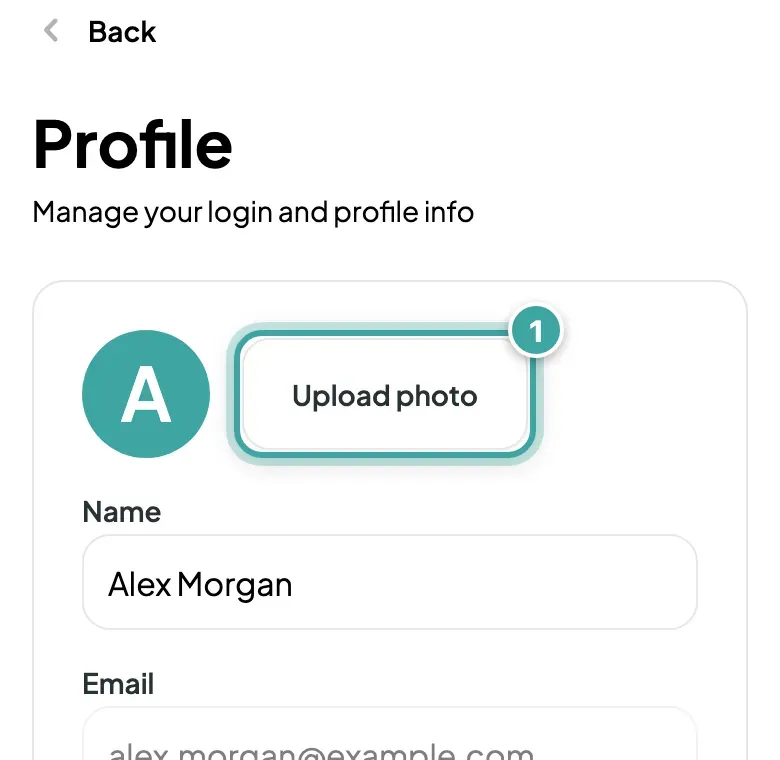
Your account has its own photo, separate from your pet's.
- Open Profile from the menu.
- Tap Upload photo and choose a picture.
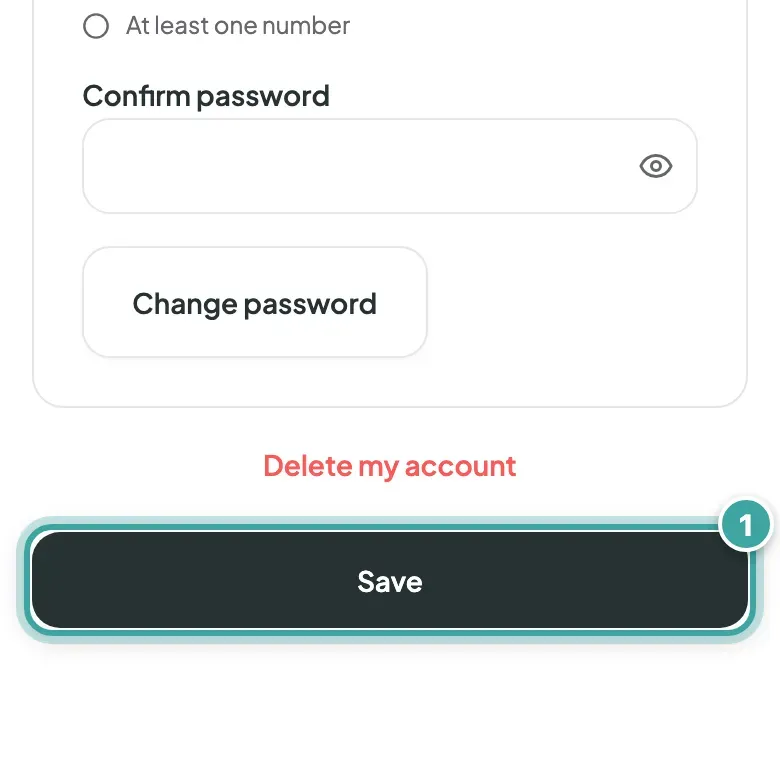
- Tap Save.
Want to change your pet's photos instead? See how to change your pet's photos.
Your account has its own photo, separate from your pet's.
Want to change your pet's photos instead? See how to change your pet's photos.
Can't find what you're looking for? Get in touch with our support team