Buying a tag takes a few minutes.
Choose your tags
- Go to the shop and open the tag.
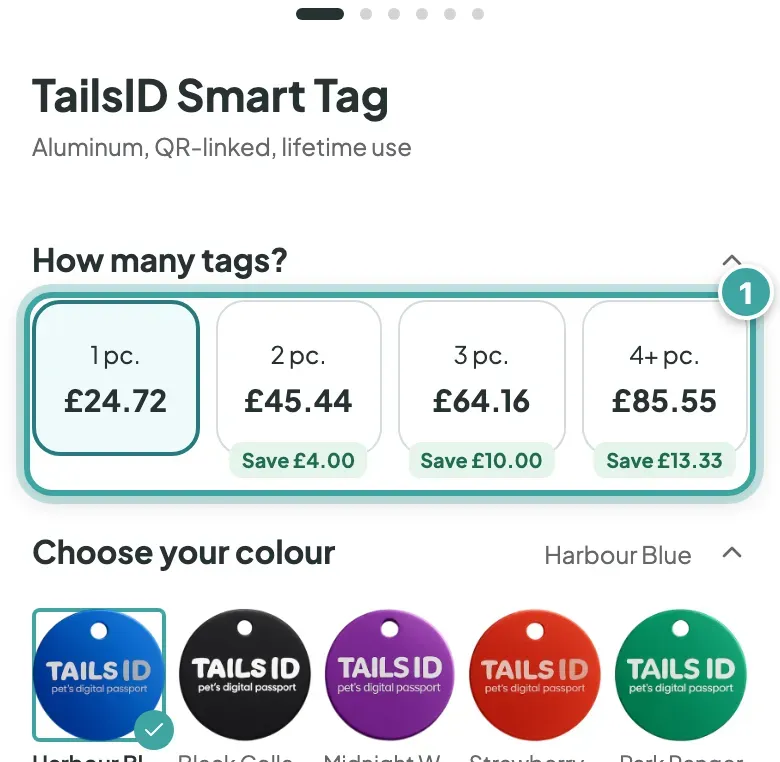
- Under How many tags?, choose how many you need. From two tags, each one costs less.
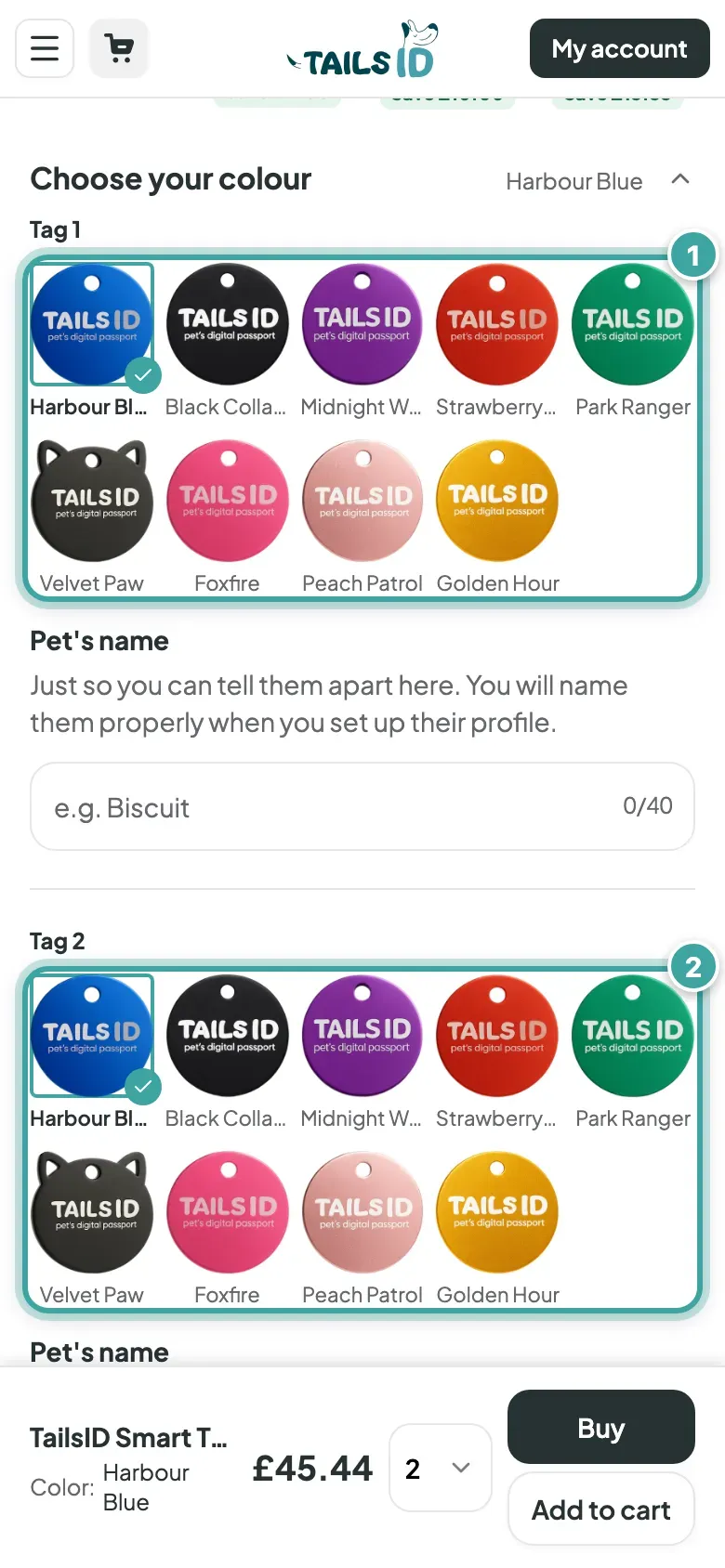
- Pick a colour for each tag.
Want to know more about the tag itself? See what the tag is like.
Pay
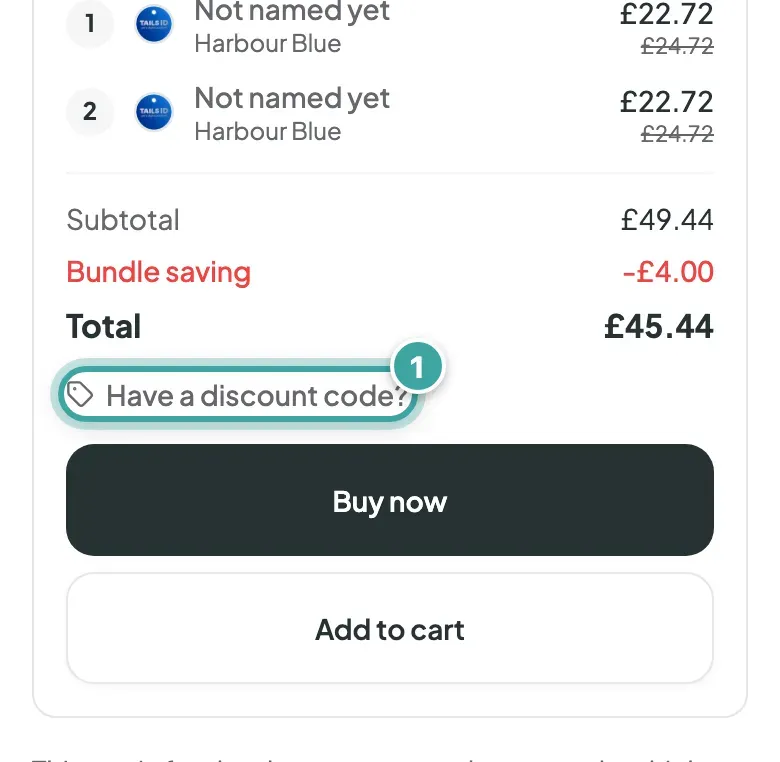
- Got a discount code? Add it under Have a discount code? before you pay.
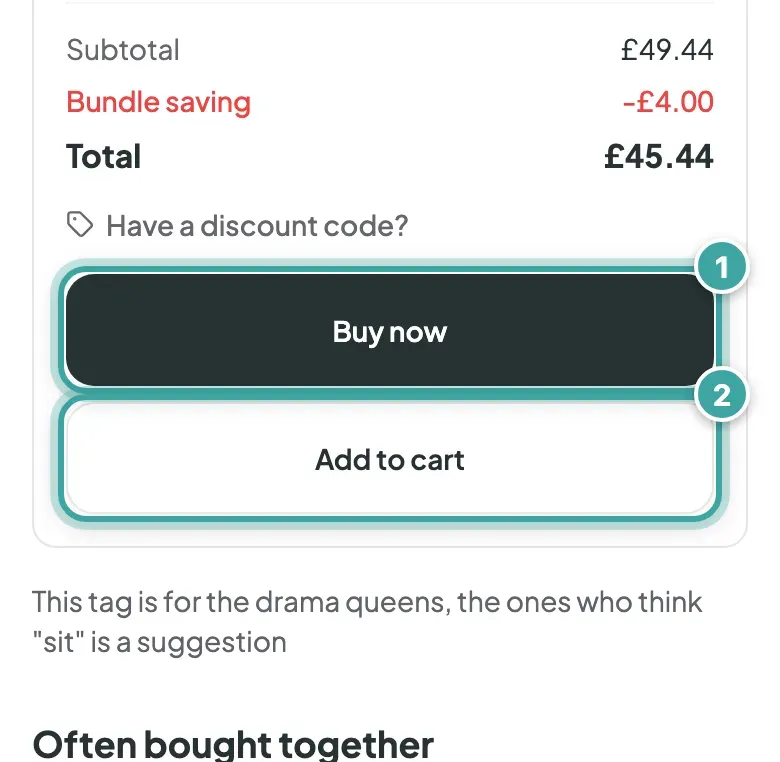
- Tap Buy now. Or tap Add to cart to keep shopping, then Checkout.
- Enter your delivery address and card details on Stripe's secure checkout page. See how you can pay.
Prices include tax, and shipping is free.
After you pay
You'll see Payment successful! and we'll email you to confirm your order. Here's what happens next.
Questions before you buy? Email [email protected].