If a finder can't reach you, they can try someone else. Add anyone who knows your pet and could step in, like your partner, a neighbour or your dog walker.
Add a contact
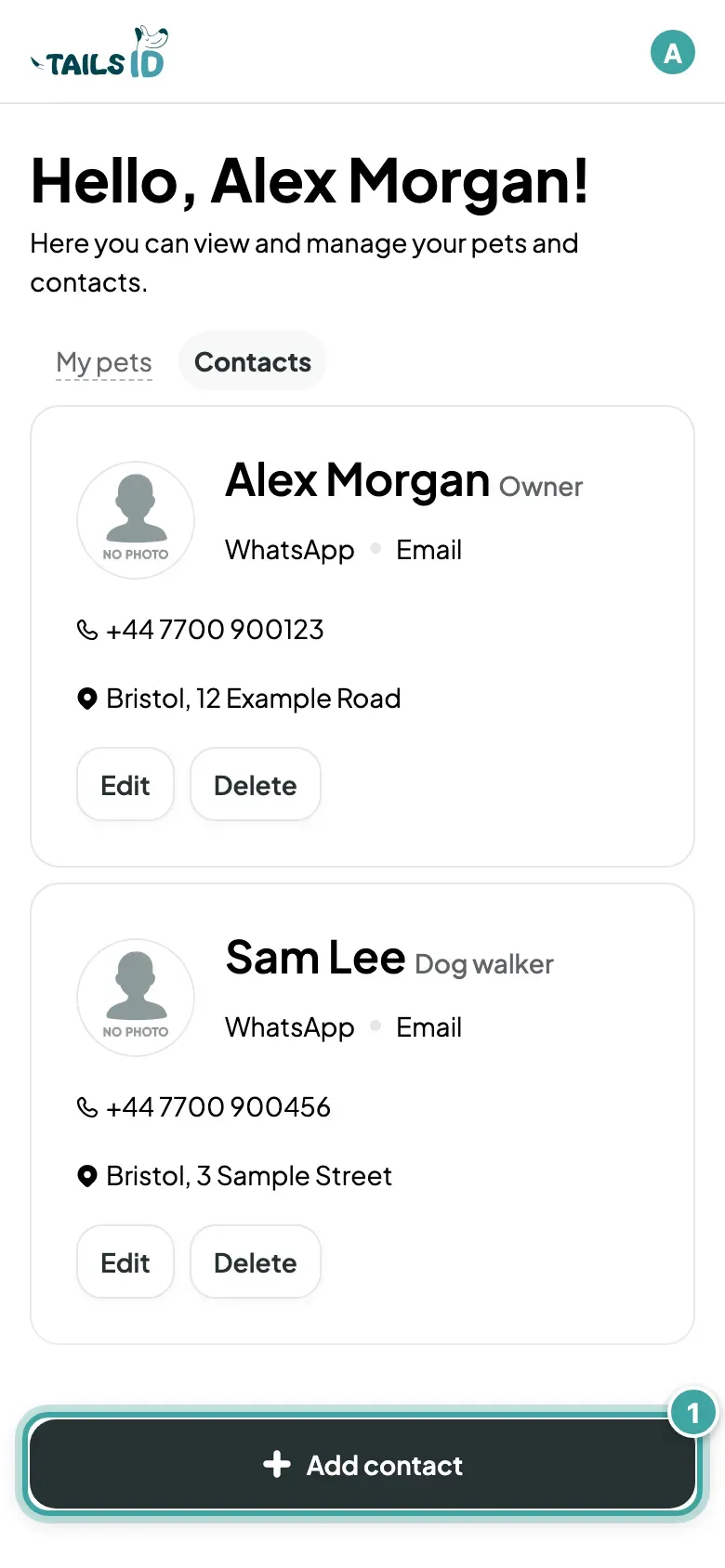
- Open your pets page and tap the Contacts tab.
- Tap Add contact, or Add new contact if it's your first.
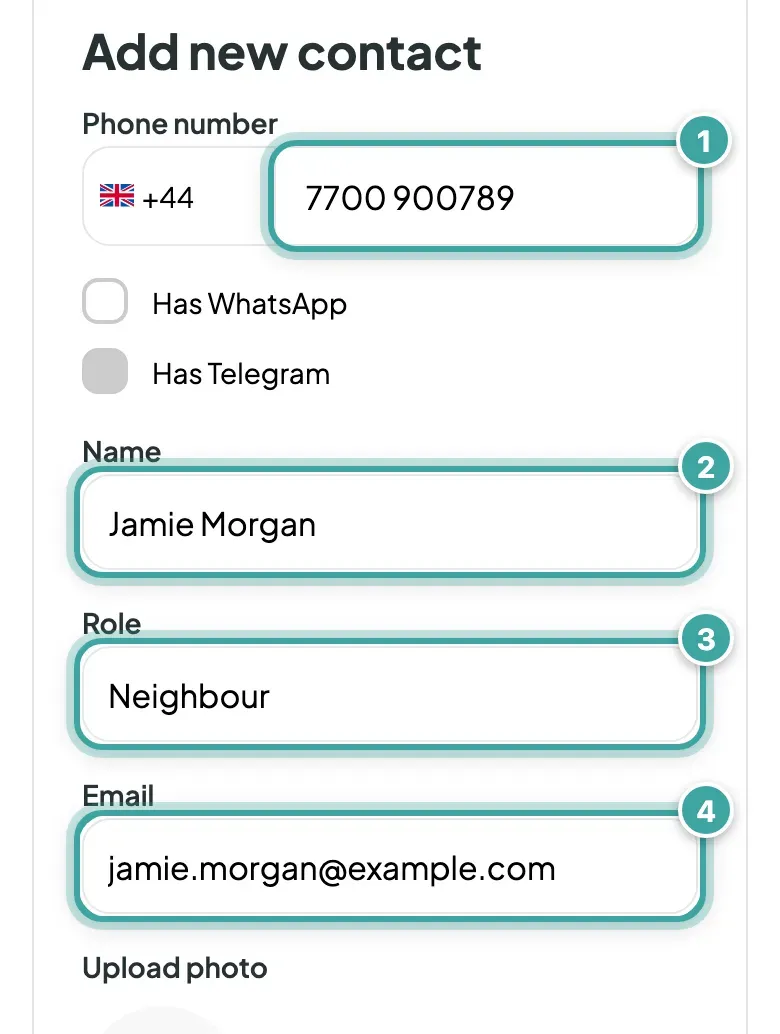
- Fill in their Phone number, Name and Email. Add a Role, like "Dog walker", so finders know who they're calling.
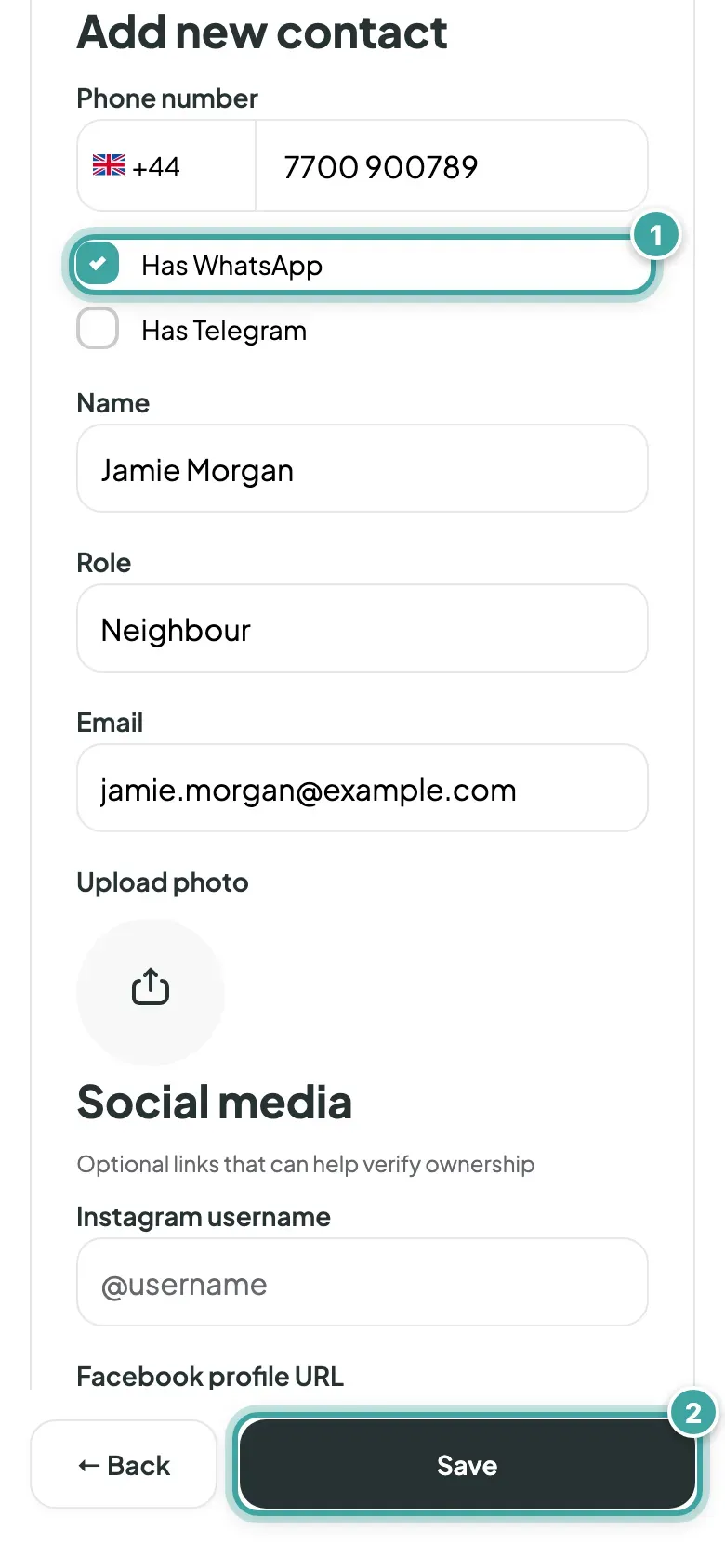
- If you like, tick Has WhatsApp or Has Telegram, and add a photo, Instagram, Facebook or an address.
- Tap Save.
Link them to your pet
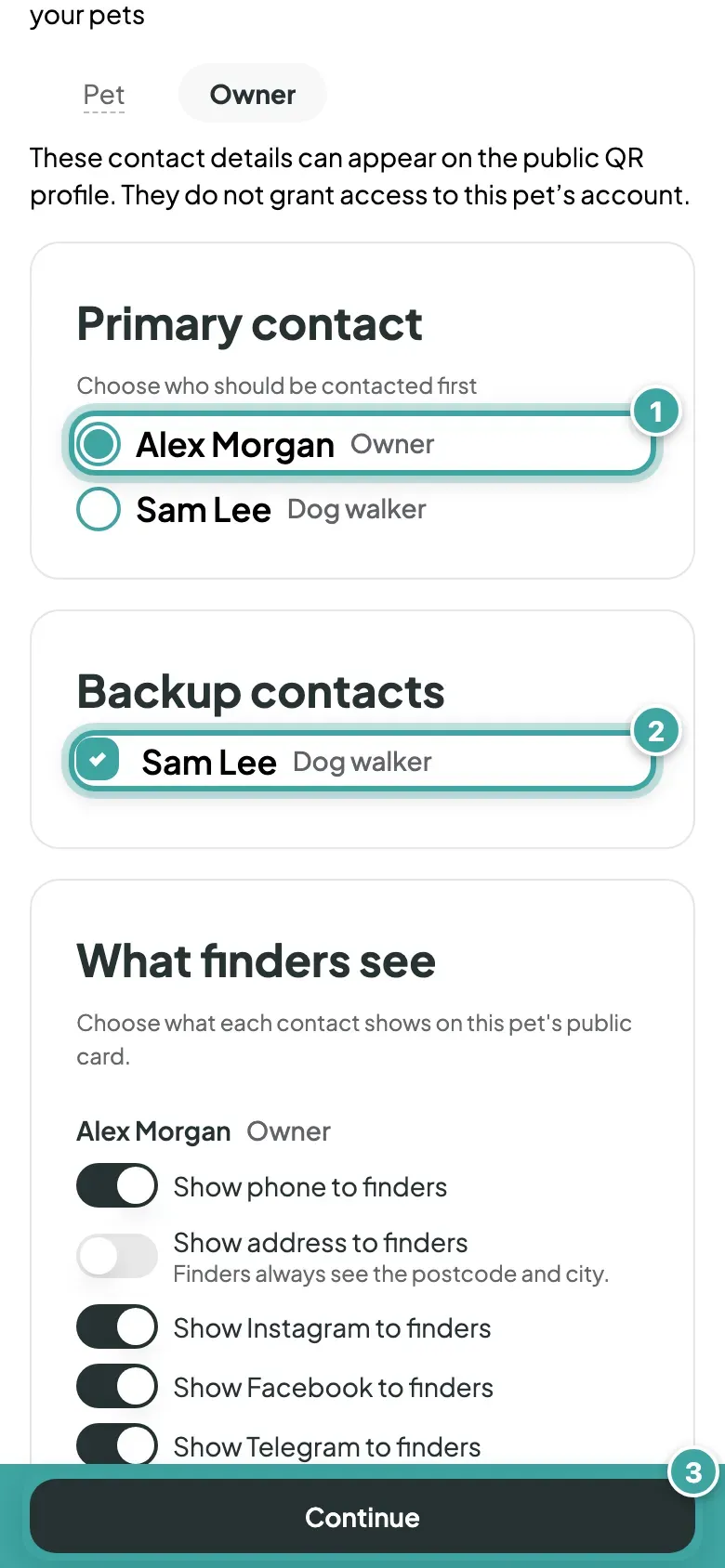
- Open your pet from My pets and go to the Owner tab.
- Under Primary contact, choose who should be contacted first.
- Under Backup contacts, tick anyone else.
- Tap Continue to save.
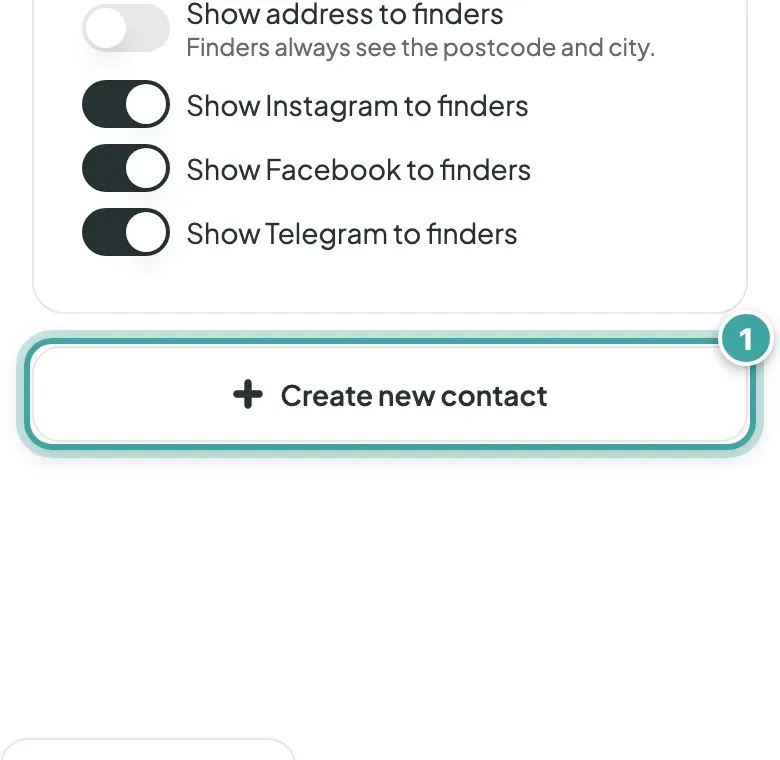
You can also add someone straight from the Owner tab with Create new contact.
What finders see
Each contact gets their own tab on your pet's page, labelled with their role (or name), with buttons to call or message them. Call now rings your primary contact first. See what finders see.
Good to know
- Every contact on the pet gets an email when a finder shares a location or sends a message, so let them know they're on it. See how those emails work.
- One contact can be linked to several pets. Change their details once and every pet shows the update.